
eBooks
Download and read. Whatever your age group or interest we have eBooks for you.
Use your library card to borrow eBooks for adults, kids and young adults. Downloadable or read online, there is a collection of bestsellers, romance, mysteries, thrillers, biographies, and more even a great collection of New Zealand titles.


New to the BorrowBox menu. eBooks with a kiwi flavour

Skip the Line with AWA in Libby and OverDrive

Libby Reads Digital Book Club Book for November
New to the BorrowBox menu. eBooks with a kiwi flavour
Skip the Line with AWA in Libby and OverDrive
Libby Reads Digital Book Club Book for November
eBooks FAQs
-
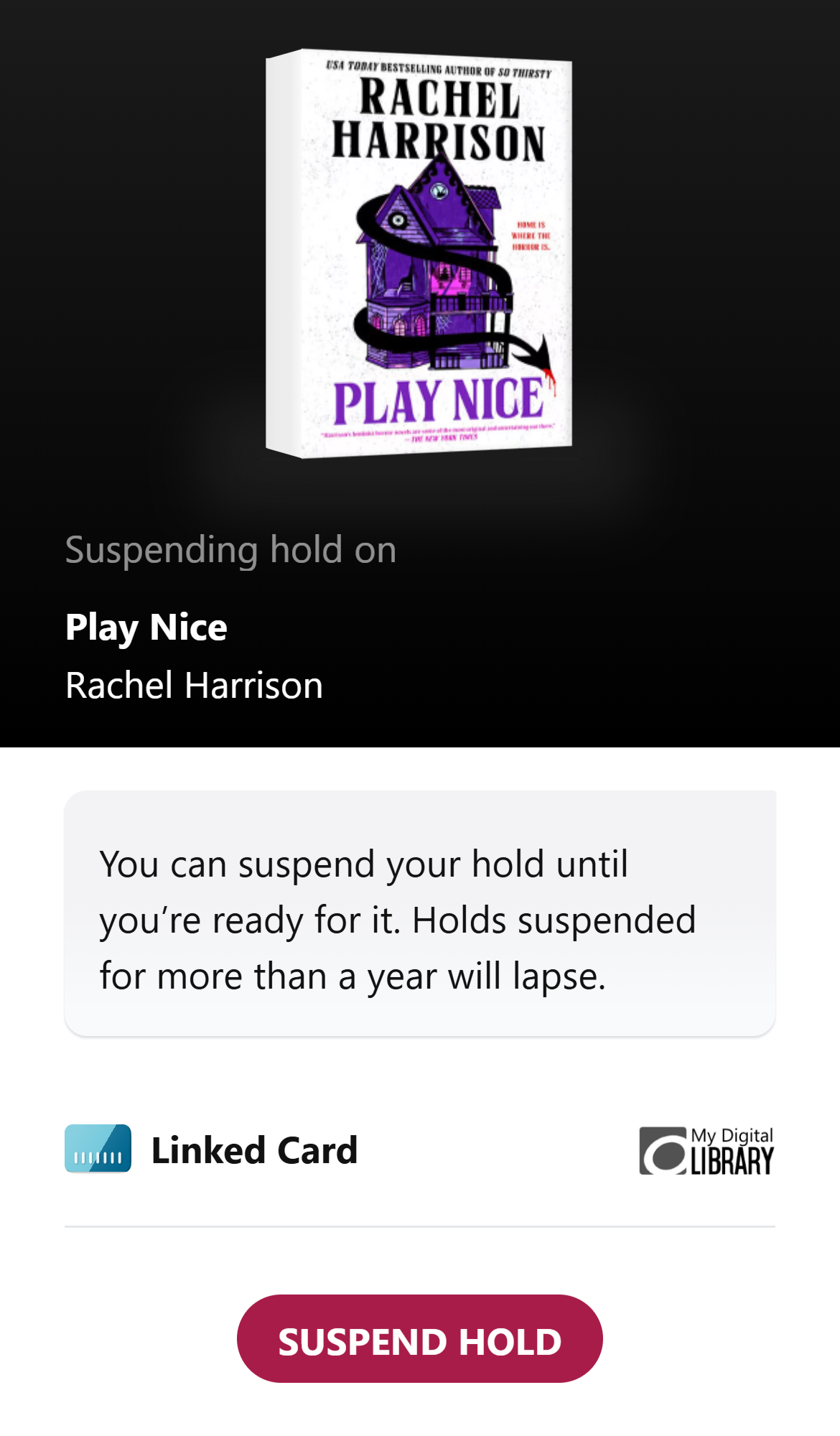
Not ready when your hold becomes available? No worries—Libby lets you suspend your hold, opens a new window. This means you keep your place in line, but the book goes to the next person. This is perfect if you’re overwhelmed with current reads or just not in the mood for that genre right now.
🌟 Pro-tip: If you do nothing when your hold becomes available, your hold will be suspended automatically for you once as a courtesy. Holds will lapse if they're suspended for 365 days in a row.
Suspended holds no longer unsuspend automatically, so you’ll need to manually unsuspend them when you’re ready to read.
How do I unsuspend a hold when I’m ready to read?
To do that, go to your Shelf, tap Holds at the top of the screen, tap Unsuspend, then Unsuspend Hold. If you forget to unsuspend a hold for a whole year (365 days), Libby will cancel it for you.
After unsuspending your hold, it will be delivered when you reach the top of the wait list.
Do you still have questions? Here's a guide to Everything you need to know about holds in OverDrive / Libby
-
AWA is our new shared digital collection with Selwyn Libraries. Christchurch City Customers who are already signed into the Libby App or our classic OverDrive site are all set. They will see the collection has changed its name to AWA and will enjoy greater choice and access in this shared collection.
If you are signing into the Libby App for the first time follow the prompts to find your library.
A search for Christchurch City Libraries will guide you to our AWA collection.
Select Christchurch City Libraries from the AWA dropdown and sign in with your Library card and PIN or password
If you are new to our classic OverDrive site click sign in and select the Christchurch City Libraries option from the AWA dropdown to sign in with your Library card and PIN or password

-
No.
The Kindle eReader does not support our Library eBook collections.
However the Kindle Fire tablet is compatible with our eBook platforms using an eReader app.
-
How can people log into the new service?
The transition will be as seamless as possible for library customers. Our Christchurch City Libraries customers who are already signed into the Libby App or our classic OverDrive site won’t need to do anything. On the 1 July, our Go Live date, they will see the collection has changed its name to AWA.New Libby customers will follow the prompts to find their library. A search for Christchurch City Libraries will guide them to the AWA collection. Then they select Christchurch City Libraries from the AWA dropdown and sign in with their Library card. New customers to, or existing customers who've signed out of, our classic OverDrive site will also select the Christchurch City Libraries option from the AWA dropdown to sign in with their Library card.
Why won’t Christchurch residents get the same increase in access to content as Selwyn?
Due to the difference in population size the Selwyn Libraries initial base collection will be less than Christchurch’s initial base collection.Won’t this result in more competition/longer wait time for popular titles?
Current selection and purchasing criteria is based on availability and customer demand; this will not change with the shared collection.Why are we doing this?
Library users will have more choice due to a richer variety of content, particularly newer and more popular items. The collaboration will help to build relationships between the two organisations, encouraging sharing of ideas and learning for the enhancement of services for all library members.How much is this going to cost?
The costs are within existing budgets.How are you able to provide this service without it costing more?
The new service delivers better value for money through a growth in the user base and in expected collection turnover.Is this a permanent arrangement?
This is a trial partnership lasting for a two-year period, from 1 July 2025. Over that timeframe both Selwyn Libraries and Christchurch City Libraries will conduct regular monitoring of data and usage. Parties will meet twice per annum to review the past period and forward plan. Prior to June 2027, we will review the success of the collaboration.Why aren’t other Canterbury councils included?
If the digital access partnership is successful, other opportunities to collaborate may be considered, such as programming and events, developing shared staff professional development, or expanding the arrangement to include the other Canterbury councils. -
Setting up Adobe Digital Editions has changed. Customers who download and authorise Adobe Digital Editions for the first time will need to create a BYTEBooks ID instead of an Adobe ID. This is because Adobe's eBook platform is now managed by Wipro, owner of ByteBooks. You can read more about this change on Adobe's website or on ByteBooks's website.
Existing ADE users will not be impacted unless they encounter an issue that requires reauthorisation or want to authorise a new device. ADE will prompt affected users to create a ByteBooks ID. OverDrive have made a help article to assist users through the process.
Existing users will receive this error E_ADEPT_RESET_PW_REQUIRED in Adobe Digital Editions if they try to authorize Adobe Digital Editions with an Adobe ID.
To resolve this error, you'll need to create a free ByteBooks ID and use it to authorize ADE:
- Open https://helpx.adobe.com/enterprise/kb/eol-faq-adobe-digital-editions.html.
- Click Proceed to ByteBooks ID Creation. The ByteBooks website will open.
- Select:
- Create Your ByteBooks Account if you've never authorized ADE or an ereader with an Adobe ID before
- Already have an Adobe ID account if you've authorized ADE or an ereader with an Adobe ID before
- Follow the prompts to create a free ByteBooks ID.
Note: If you want to retain access to ebooks that you downloaded using your Adobe ID (e.g., active library loans or purchased ebooks), make sure to create your ByteBooks ID using the same email address you used for your Adobe ID. If you no longer have access to that email address, contact Wipro/ByteBooks for support: ebooks-support@wipro.com. - Once you've created your ByteBooks ID, go back to ADE. In the "Computer Authorization" popup, enter your new ByteBooks ID information in the "Adobe ID" and "Password" fields.
Later in 2026, ADE will be replaced by ByteBooks Digital Editions. This is a separate, future change that will eventually affect all ADE users. Wipro has not yet announced the details, but please check the ByteBooks transition FAQS for updates.


Get eBook news from the library
Want to get a monthly email with all the latest news about cool new eBooks? Just subscribe to our newsletters.
Pick eBooks from our newsletter options under Format.


