
Christchurch City Libraries App
The library app lets you find stuff and place holds easily. You can use it to check out your books on the self check machine, with easy access to your family's library cards.
Download the Library App now on iOS or Android and have the library at your fingertips.


What you can do with the free library app
You can use the library app to:
- Search the collection and save titles for later
- Place and manage holds
- Renew checked out items
- Check the opening hours and details of your favourite libraries
Use the library on the go with our Library App!
Manage more than one library card in one place
The Library App allows you to add multiple library accounts. This is useful if you are looking after cards for your children or older family members.
You can:
- View checked-out items, and see when stuff is due
- Switch between library cards when you use the self-checkout machine
- Place holds on items
- Keep holds organised for each family member on their own cards
- Renew items if you want to keep them longer
If you want to change which cards you have access to:
- Go to "Linked Accounts" on the App.
- Change your account password/PIN if you don't want a family member to have access to your account.
FAQ
-
Many of our digital ebooks, eAudiobooks, eMagazines and eNewspapers are available directly in the Library App.
You can search and download content from:
- BorrowBox
- Libby
- PressReader
- uLibrary
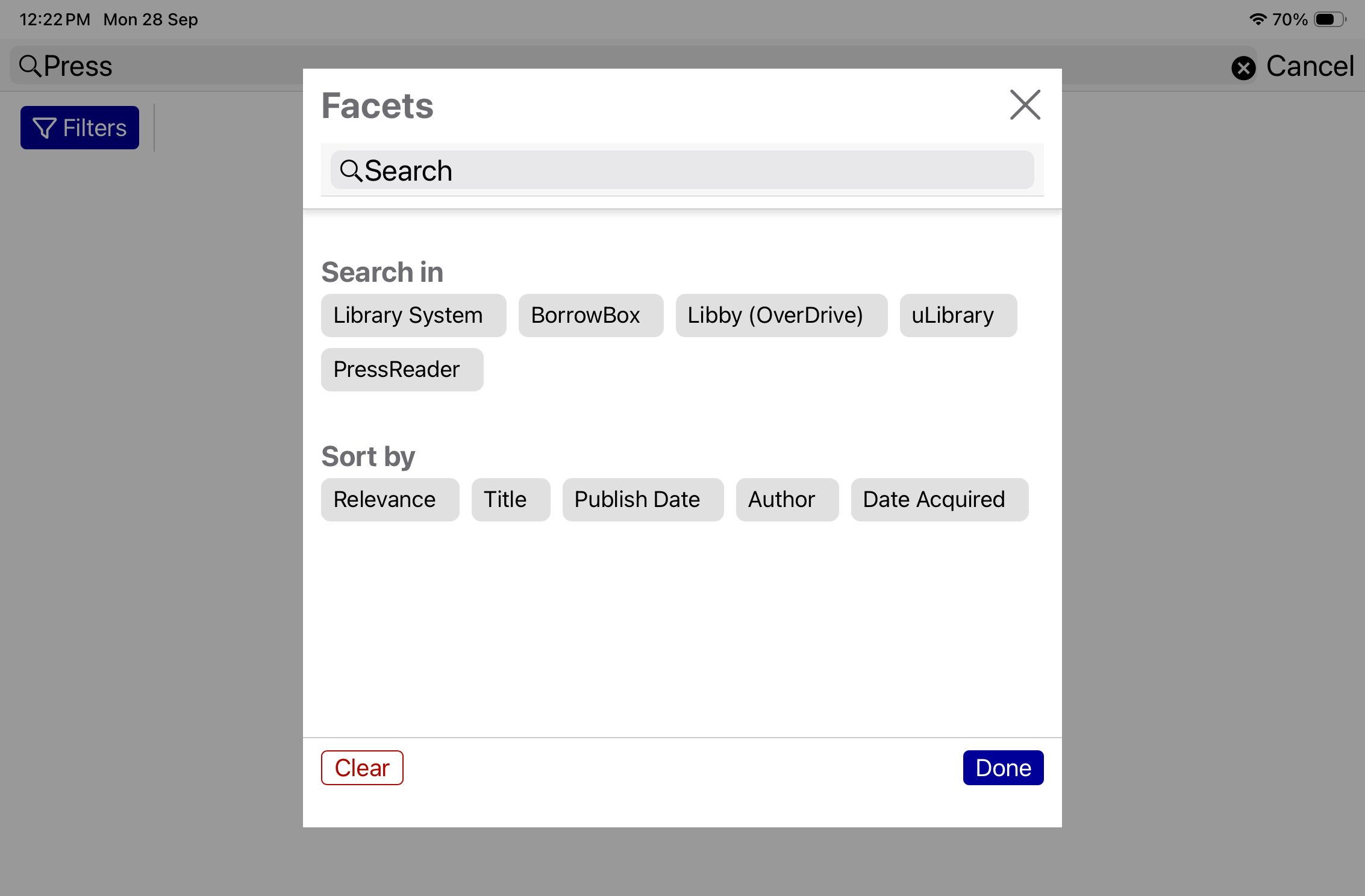
To access these collections in the Library App, Search by title or keyword, then select Filters to narrow your search to a specific eResource. Make your choice and select Done.
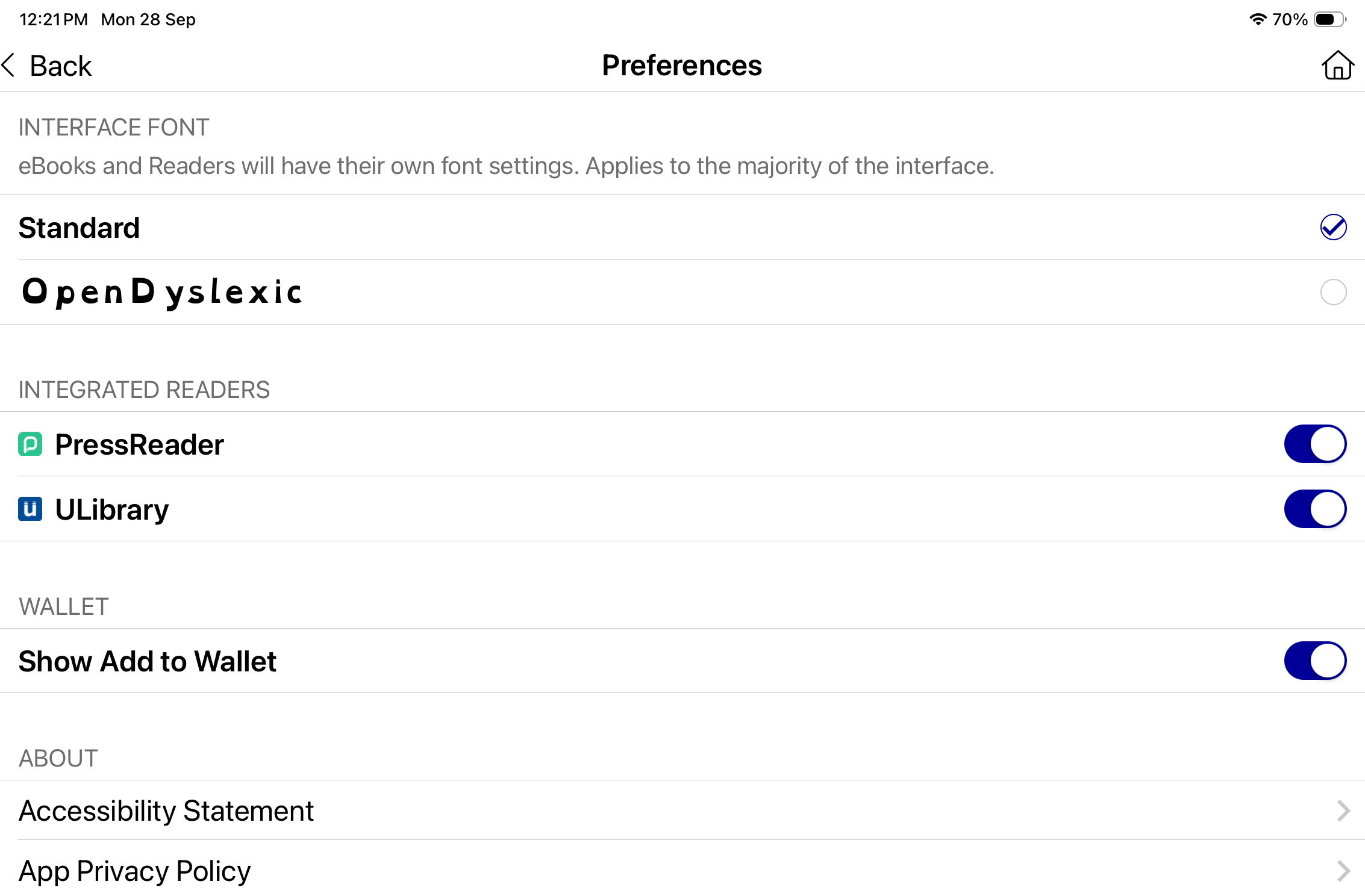
There's a one-off extra step to enjoy PressReader and uLibrary content in the Library App. First, turn-on the Integrated Reader options in your Account Preferences.
Once downloaded, your e-Issues will appear in your Loans in the App. You can Return titles or Remove downloads from your Loans. Remove deletes the download from your device. Digital loans do not count towards your 30-item loan limit for physical items.
-
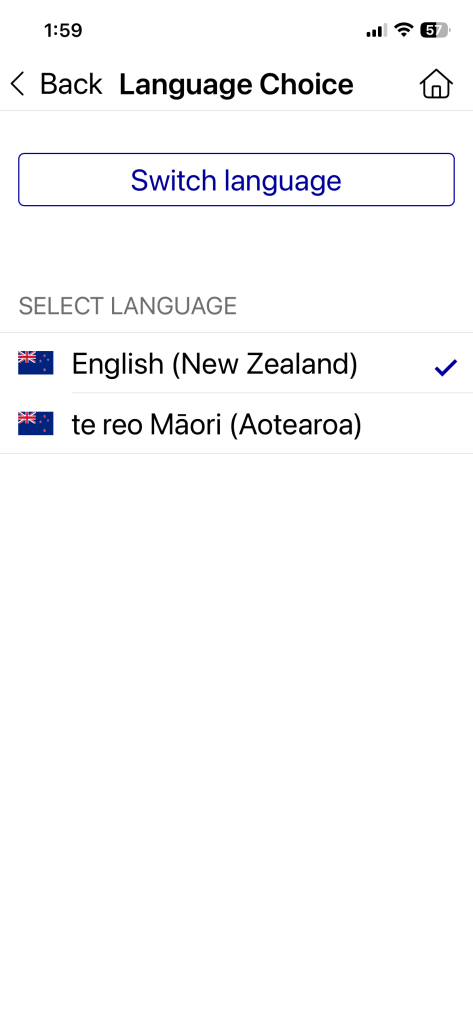
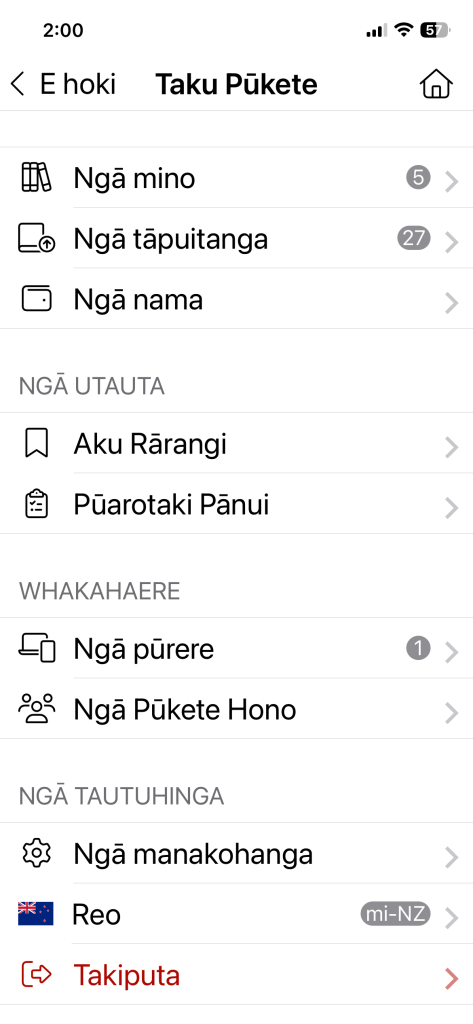
To access te reo Māori in the app, open My Account and select the Languages option from the menu. From this list, select te reo Māori and confirm the change. Once selected, the app interface will update to te reo Māori.
-
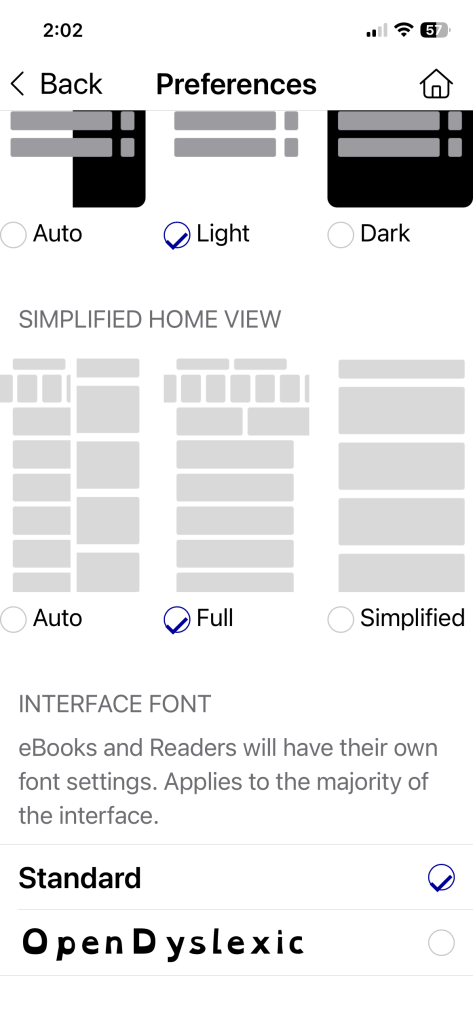
OpenDyslexic is an optional accessibility feature designed to make reading easier for people with dyslexia. The font is weighted at the bottom of each letter to help reduce common reading errors caused by letter rotation and crowding. When enabled, it can improve reading stability, focus, and overall comfort while navigating content in the app.
To enable this feature, navigate to the Preferences menu. Within the Interface Font section, turn on OpenDyslexic. Once selected, the font will automatically update across supported areas of the app.
If you would like to return to the default font, switch the setting back to Standard.
-
You can access your lists and shelves from the website under My Account. These lists and shelves are not available on the new Library App.
You can also make new lists on the Library App, but these lists will only be visible in the App.More about:
-
Supported Devices
CCL Mobile - the Library App was built specifically for iPhone and Android devices.
Supported OS versions
The current minimum OS versions supported for CCL Mobile - the Library App are:
App Platform Minimum OS version CCL Mobile for iOS iOS 15.6 or later CCL Mobile for Android Android 7 Nougat or higher If your device does not support a version of iOS or Android listed above, you will be unable to download the app.
