
Linkedin Learning for Libraries
A video library of courses and tutorials on software, technology, creative and business skills designed and taught by recognised industry experts.
Over 16,000 courses covering everything from the latest technologies to basic computer literacy. With LinkedIn Learning, anyone can gain new skills. Learn with expert-led, anytime training that you can take at your own pace, with tools and features to fit almost any learning style.
LinkedIn Learning course videos are available in English, French, German, Japanese, Spanish, Mandarin, Portuguese, Dutch, Italian, Turkish, Polish, Korean, and Bahasa Indonesia.
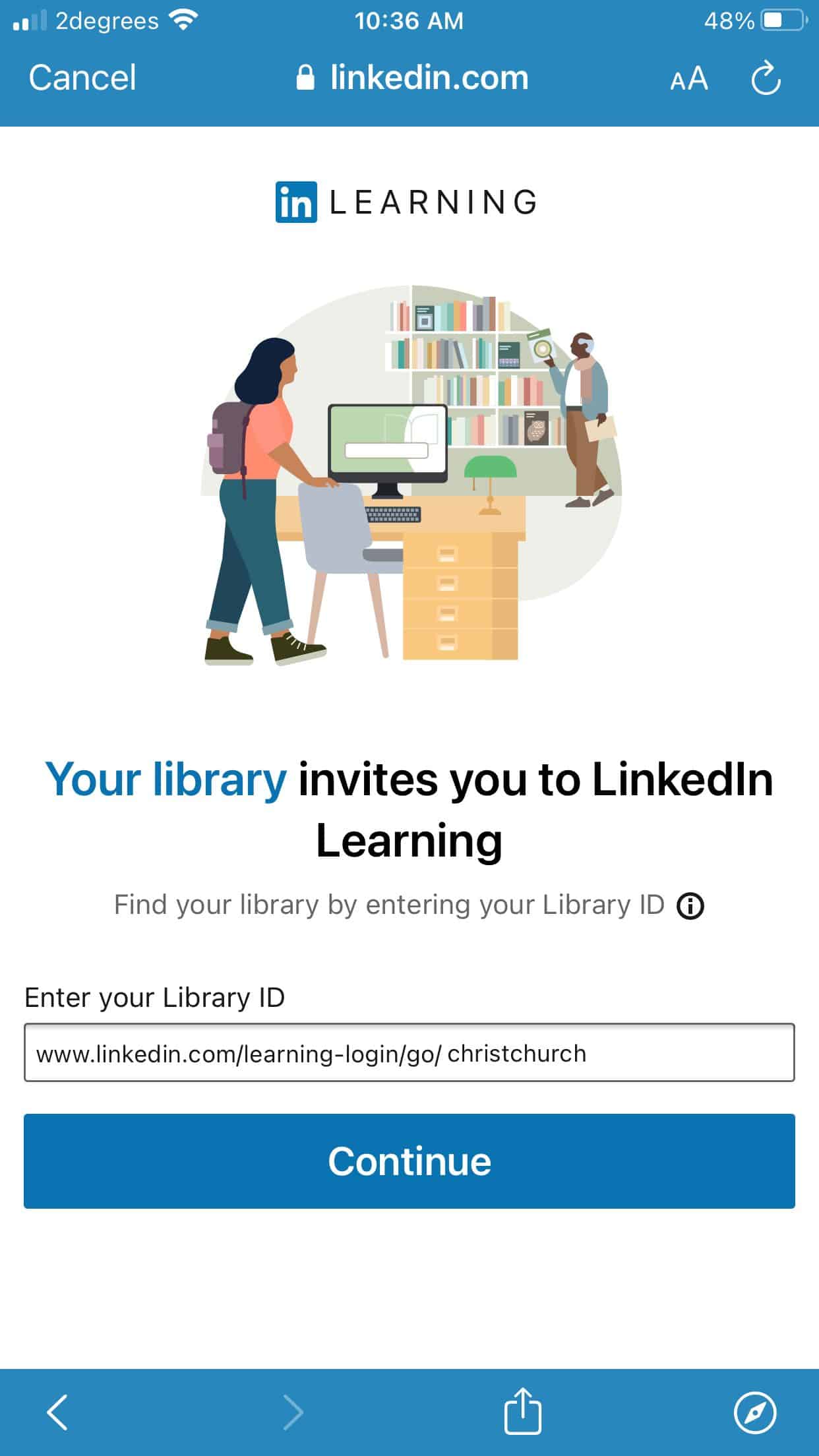
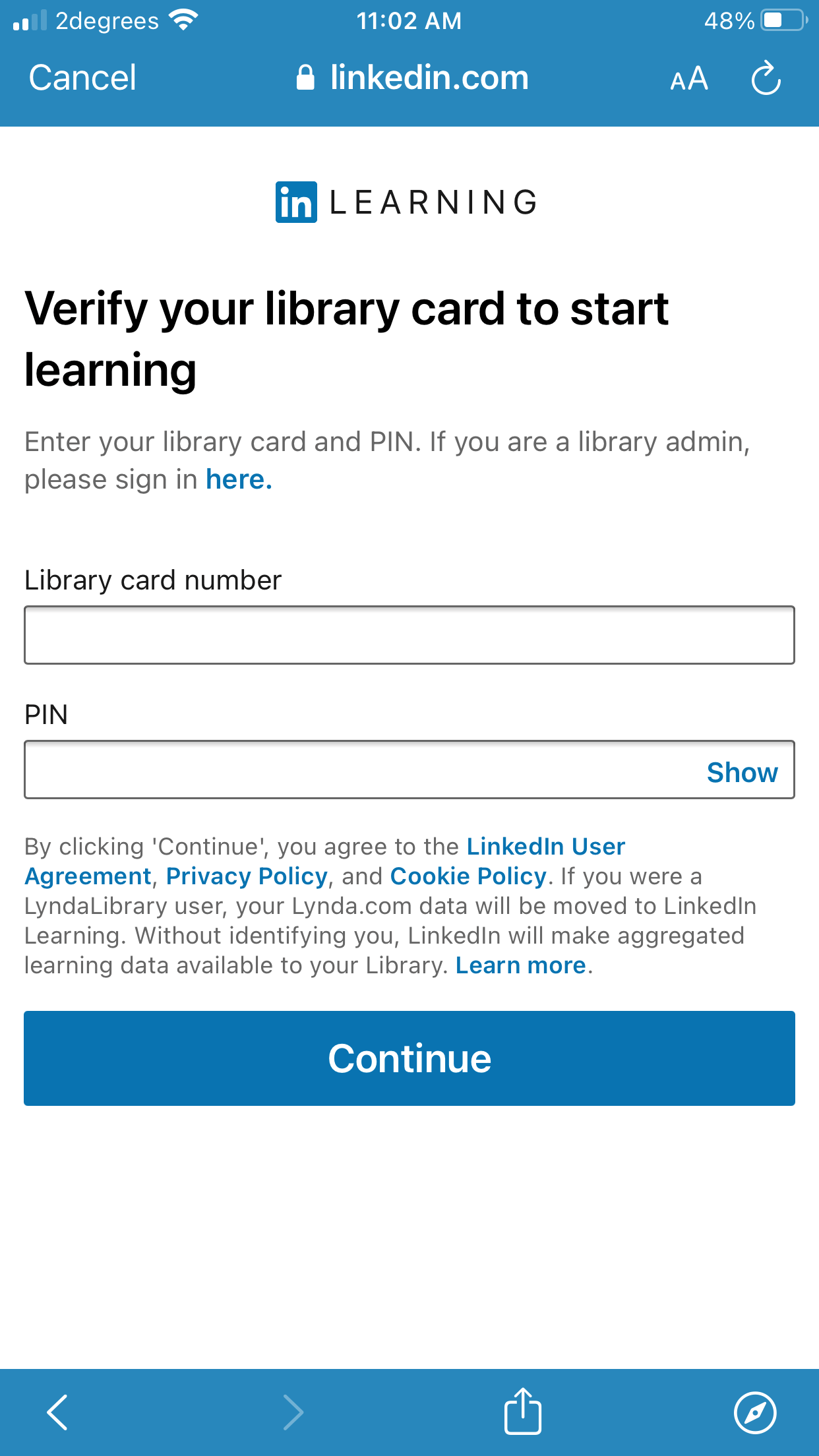
All you need is your library card and password.
 Download the LinkedIn Learning App forApple or Android devices and learn on the go. Get the skills you need to succeed by watching bite-sized video courses anytime, anywhere. Thousands of courses and tutorials on software, technology, creative and business skills designed and taught by recognised industry experts.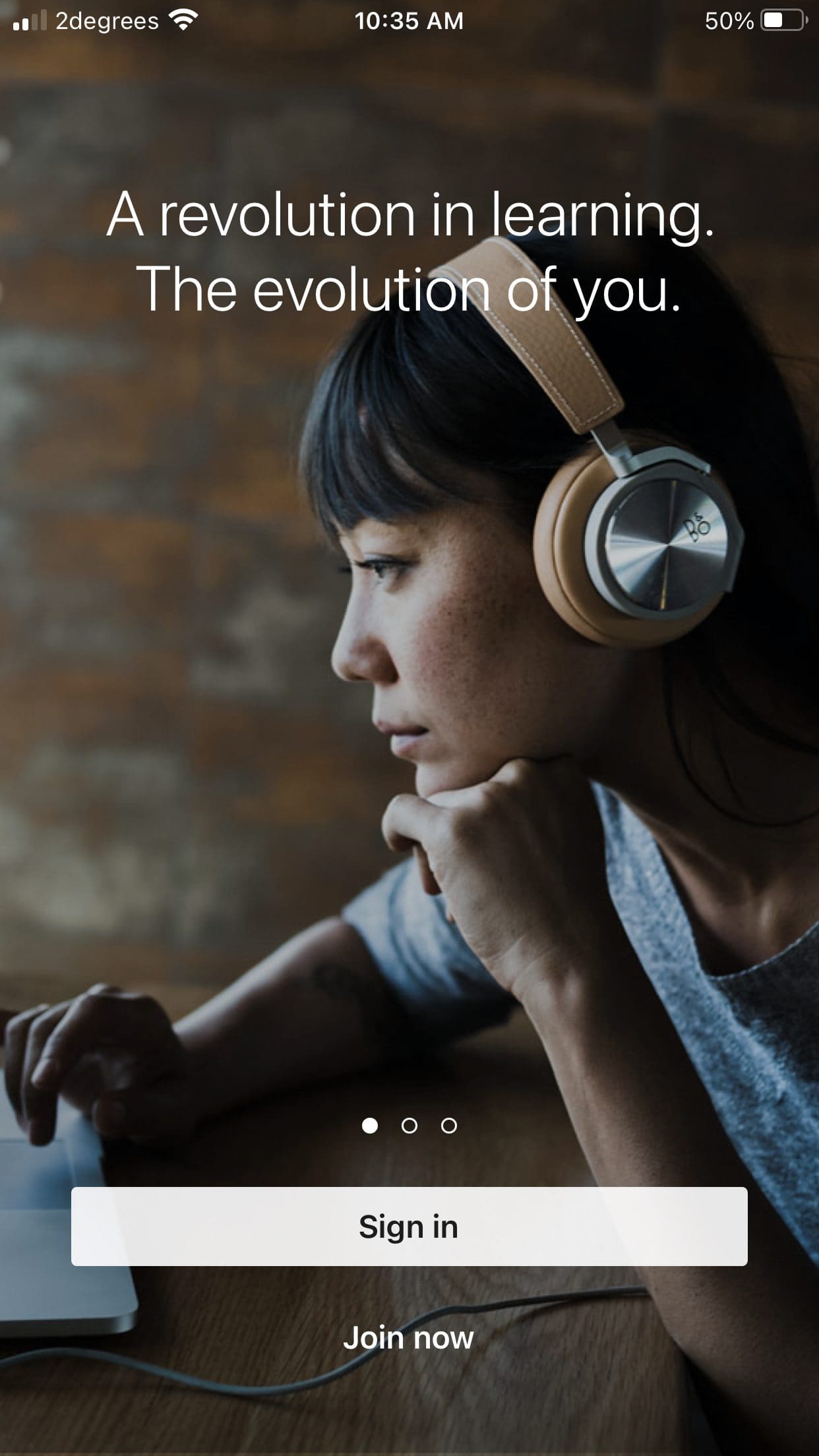


Linkedin Learning FAQs
-
Yes. Find out more about the LinkedIn Learning App
-
No. You just need your library card and password/PIN.
-
Unfortunately your learning is attached to your library card number. If you get a new library card, you will lose your learning history.
