
Not ready when your hold becomes available? No worries—Libby lets you suspend your hold, opens a new window. This means you keep your place in line, but the book goes to the next person. This is perfect if you’re overwhelmed with current reads or just not in the mood for that genre right now.
🌟 Pro-tip: If you do nothing when your hold becomes available, your hold will be suspended automatically for you once as a courtesy. Holds will lapse if they're suspended for 365 days in a row.
Suspended holds no longer unsuspend automatically, so you’ll need to manually unsuspend them when you’re ready to read.
How do I unsuspend a hold when I’m ready to read?
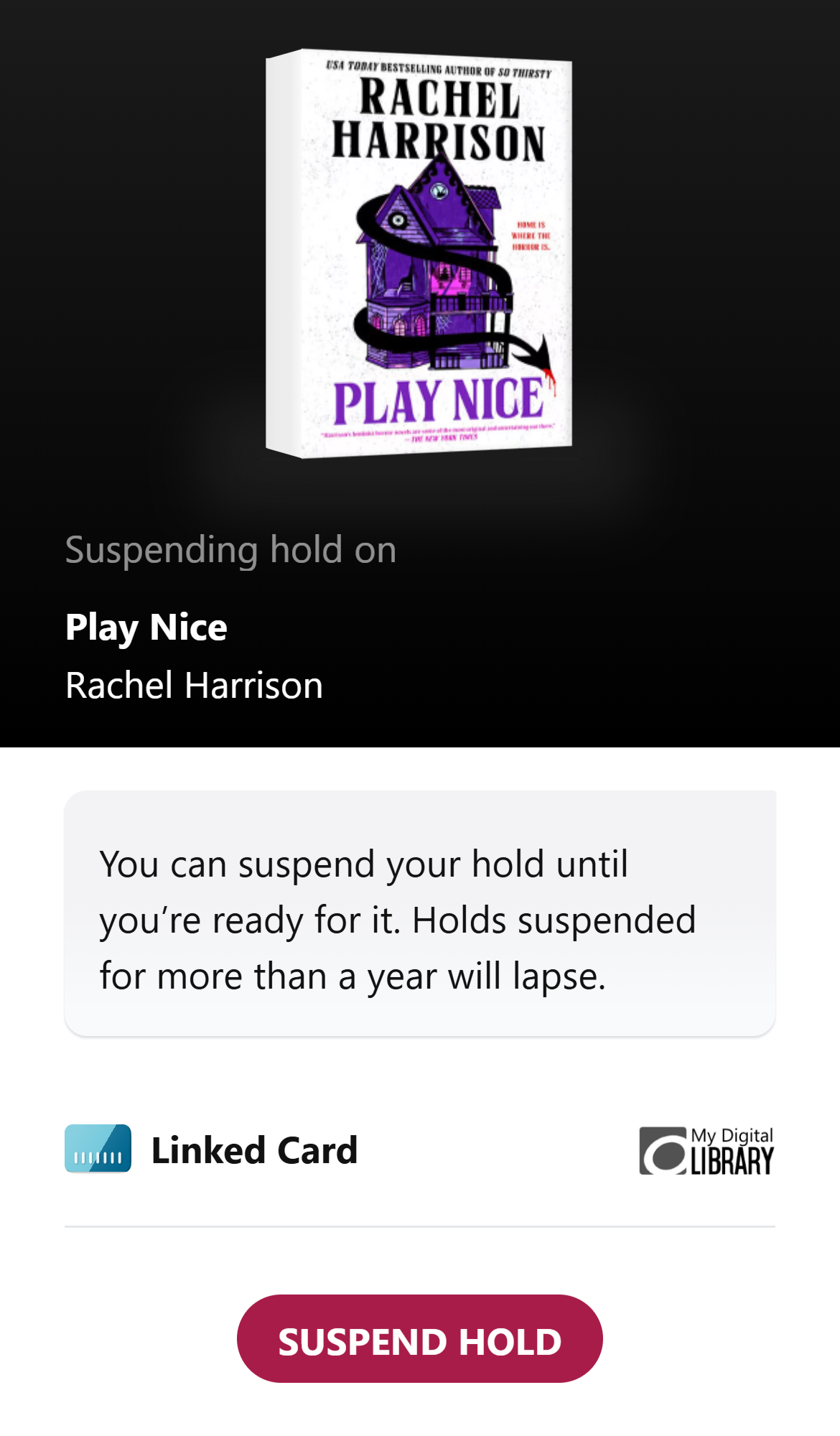
To do that, go to your Shelf, tap Holds at the top of the screen, tap Unsuspend, then Unsuspend Hold. If you forget to unsuspend a hold for a whole year (365 days), Libby will cancel it for you.
After unsuspending your hold, it will be delivered when you reach the top of the wait list.
Do you still have questions? Here's a guide to Everything you need to know about holds in OverDrive / Libby


