
Auahatanga - Creative Spaces
Where everyone can learn, make and design.
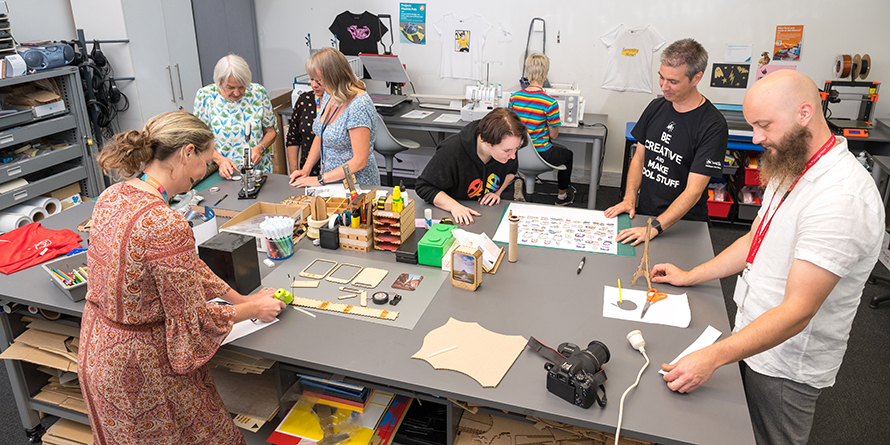
Our creative and learning spaces welcome everyone. It does not matter if you have just got started, or are reigniting a creative passion. We have some amazing technology available around our Christchurch City Libraries. Find out more about each piece of gear, where you can find it, and how you can use it to help exercise your creativity!
The purpose of our service is to support prototyping and printing small quantities, as we are a non-commercial organisation.
- Please note:
- DTG printer at New Brighton Library is currently unavailable - 14/03/2026
How to access our Auahatanga - Creative Spaces
Drop in and explore our creative equipment, technology, and resources at your own pace—no booking required. These self-directed sessions are available across multiple locations and are ideal for independent use of most software and equipment.
Creative Times - Drop In
Creative times
Book 1:1 Sessions
Access Auahatanga Technology Support to help with your creative project.
Matatiki Hornby Centre
Ready-to-Make Session
Appropriate for customers who have completed design files and are ready to use staff-supervised equipment.
If you need help getting started with our software or learning how to use creative space equipment, please attend one of our Creative Time sessions.
New Brighton Library
Book a Creative Skills 1-to-1 Session (Equipment)
1-to-1 session with a member of the Libraries team to support you with your creative project, focusing on a single piece of equipment.
New Brighton Library
Book a Creative Skills 1-to-1 Session (Software)
1-to-1 session with a member of the Libraries team to support you to upskill on one of our creative softwares.
Te Hāpua: Halswell Centre
Book a Creative Skills 1-to-1 Session
1-to-1 session with a member of the Libraries team to support you with your creative project, focusing on a single piece of technology.
Tūranga
Book a Creative Skills 1-to-1 Session
1-to-1 session with a member of the Libraries team to support you with your creative project, focusing on a single piece of technology.
Group bookings (not currently available)
Group bookings are not currently available in our Auahatanga Creative Spaces. We are reviewing what we can offer our customers and will update the information on our website as soon as possible.
In the meantime, groups are very welcome to come along and create together during our open sessions, which run at various locations across the city

What equipment is available?
Laser cutting
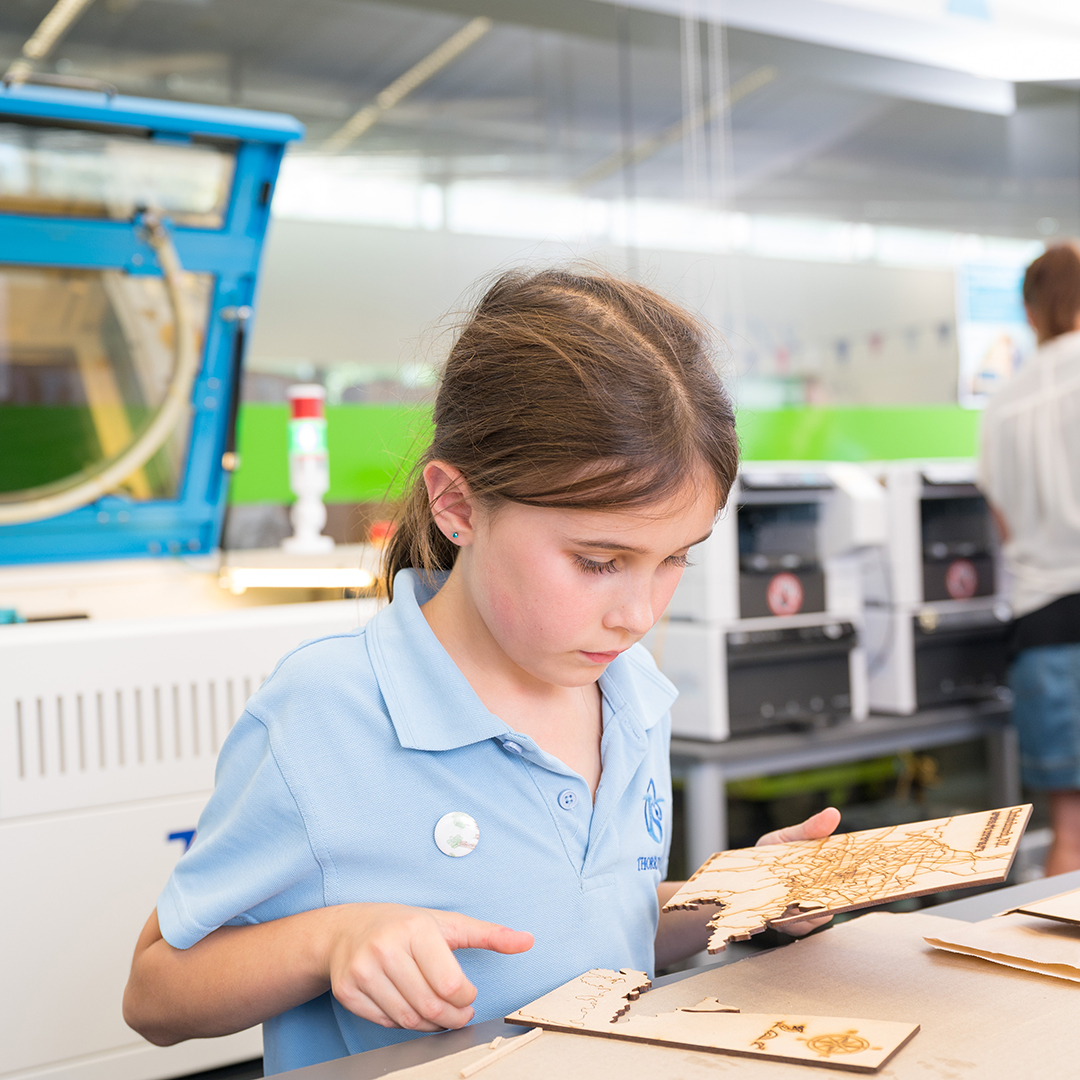
A laser cutter provides a fast and accurate way of cutting a variety of materials, such as paper, card, acrylic, wood, laminate and fabric.
We are no longer cutting MDF on our laser cutters. MDF contains synthetic formaldehyde. Laser cutting this material produces toxic dust and fumes which are harmful to people and the health of the machine. Supplying your own materials? For a list of approved materials for laser cutting please ask a member of our creative team.
Available at Matatiki Hornby Centre, and Tūranga
Vinyl printing and cutting
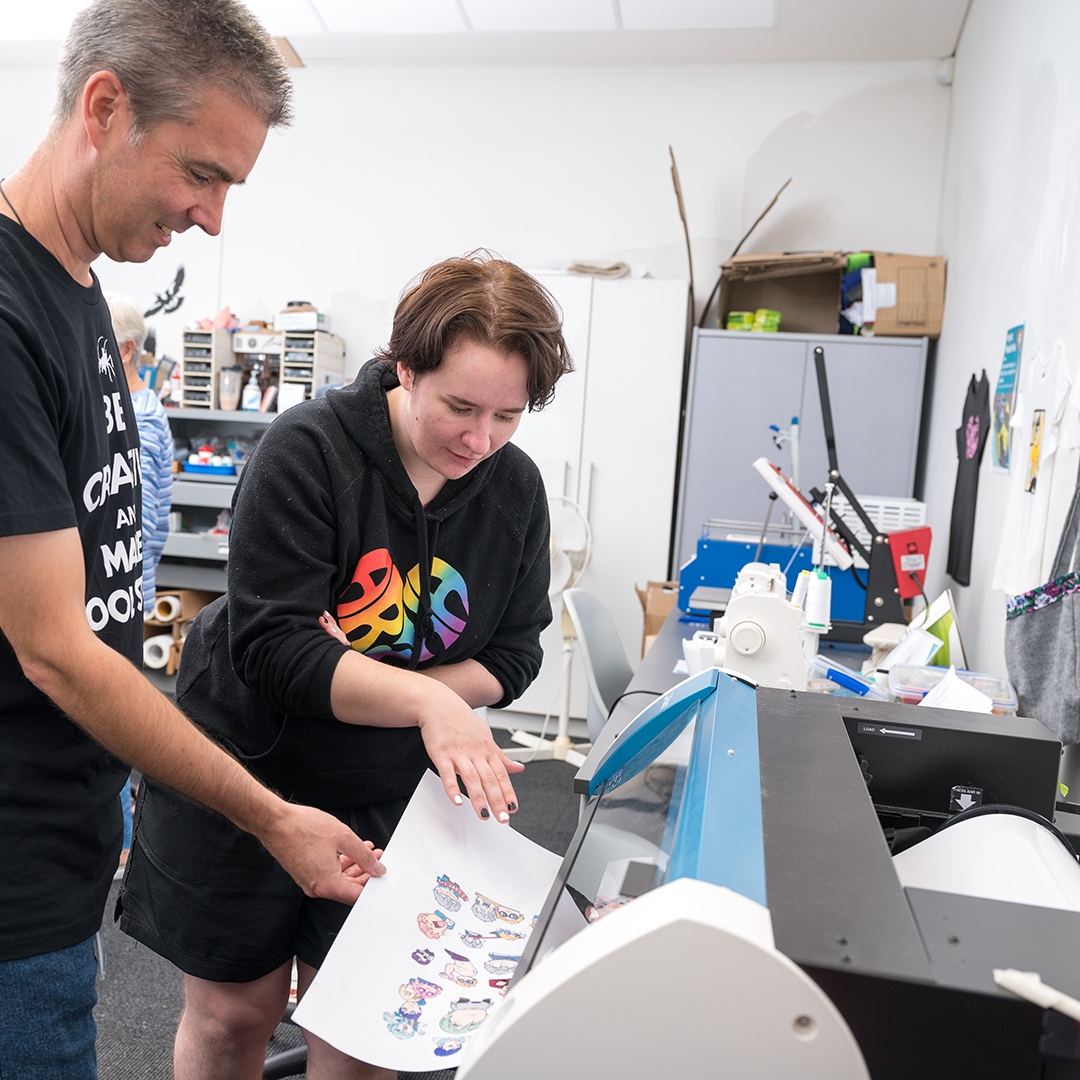
The vinyl printer and cutter is a large format inkjet printer that can be used to print graphics and types of vinyl media.
Available at Matatiki Hornby Centre, Te Hāpua: Halswell Centre, and Tūranga
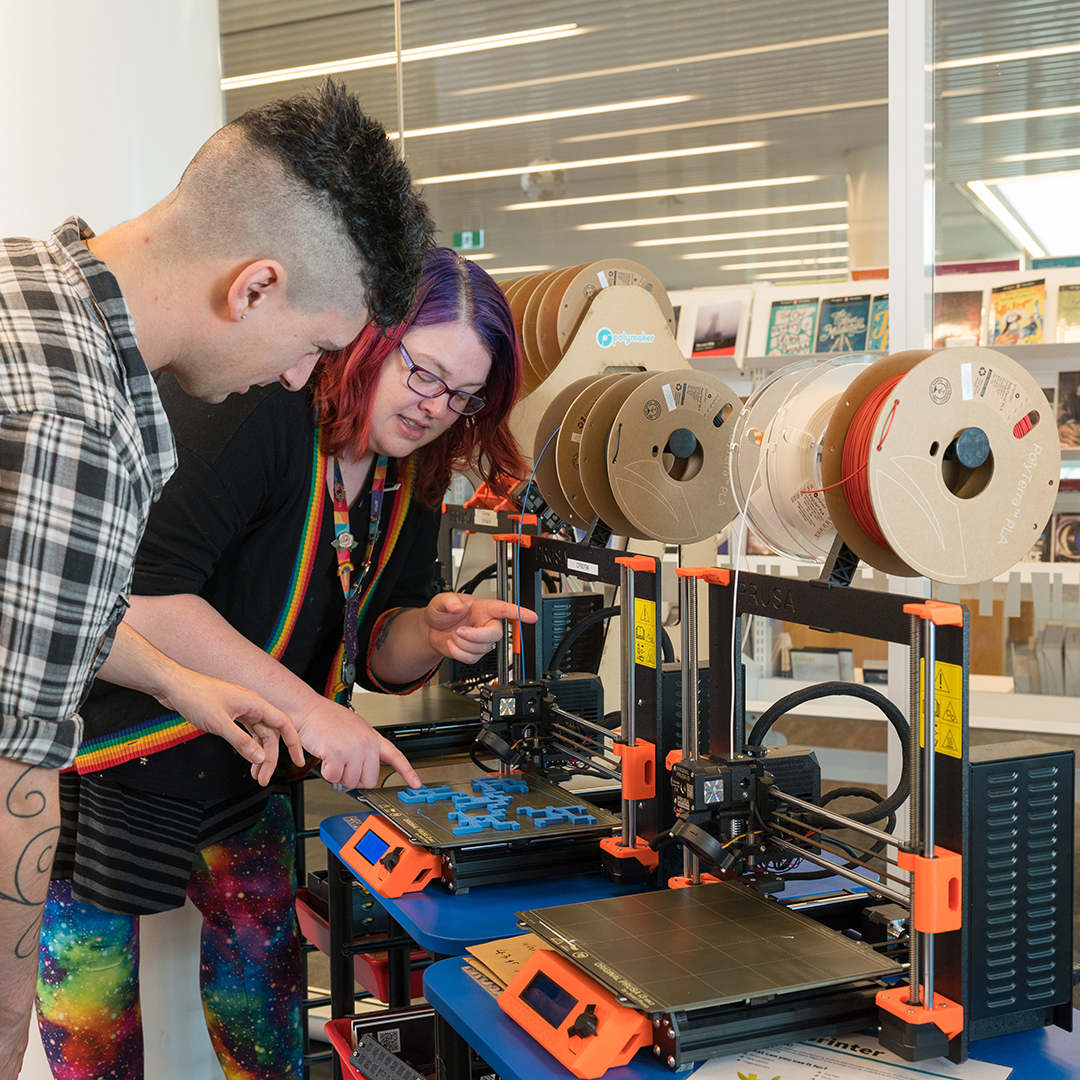
3D printing
You can design and print 3D designs at Christchurch City Libraries. We have several 3D printers that can be used to make small objects out of plastic.
Available at Te Hāpua: Halswell Centre, Matatiki Hornby Centre, New Brighton, Shirley, and Tūranga
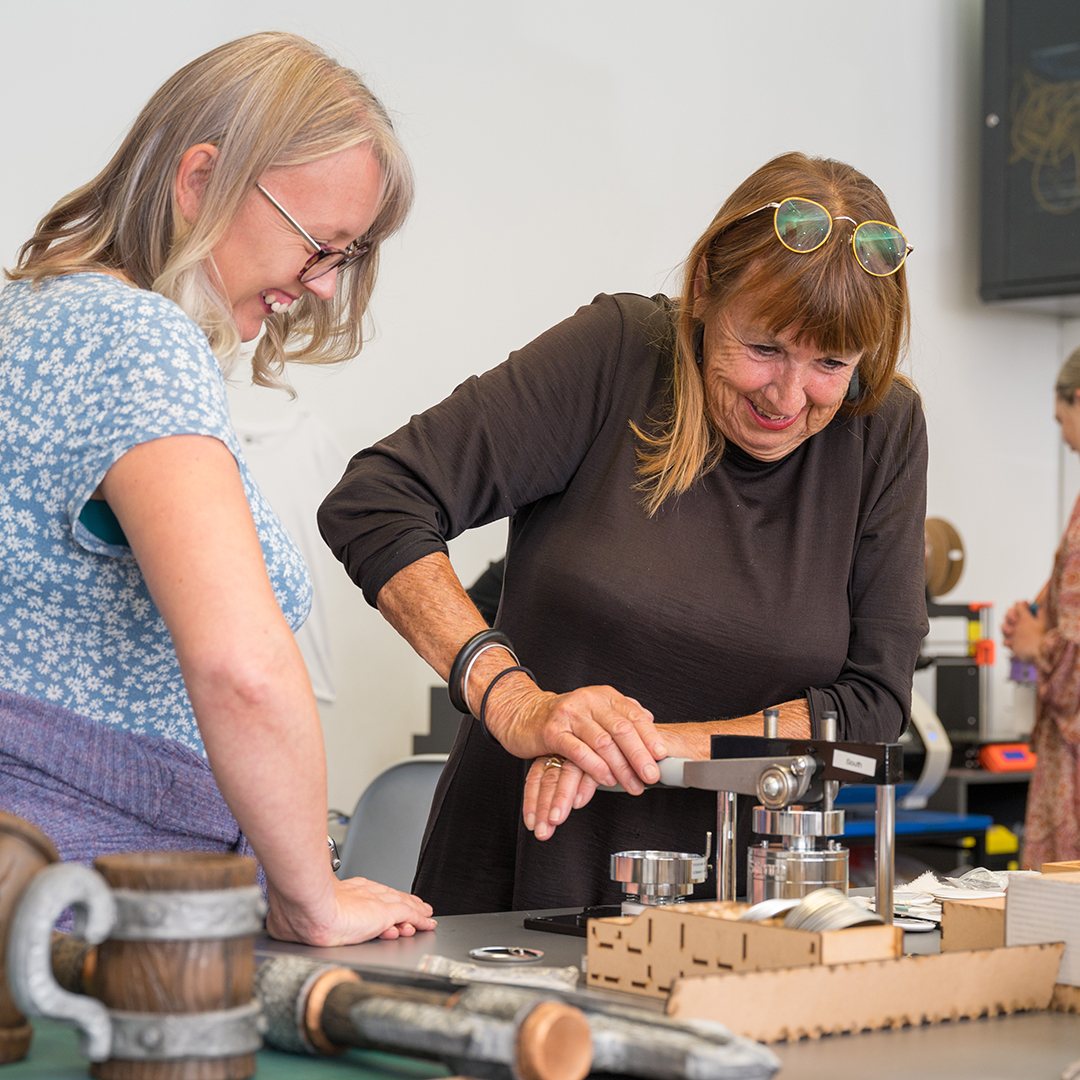
Badge maker
A badge maker allows you to make custom wearable button badges. The badge design can be hand-drawn or designed on a computer using software such as Inkscape, Affinity Designer, or Adobe Illustrator.
Available at Matatiki Hornby Centre, New Brighton, Te Hāpua: Halswell Centre, and Tūranga
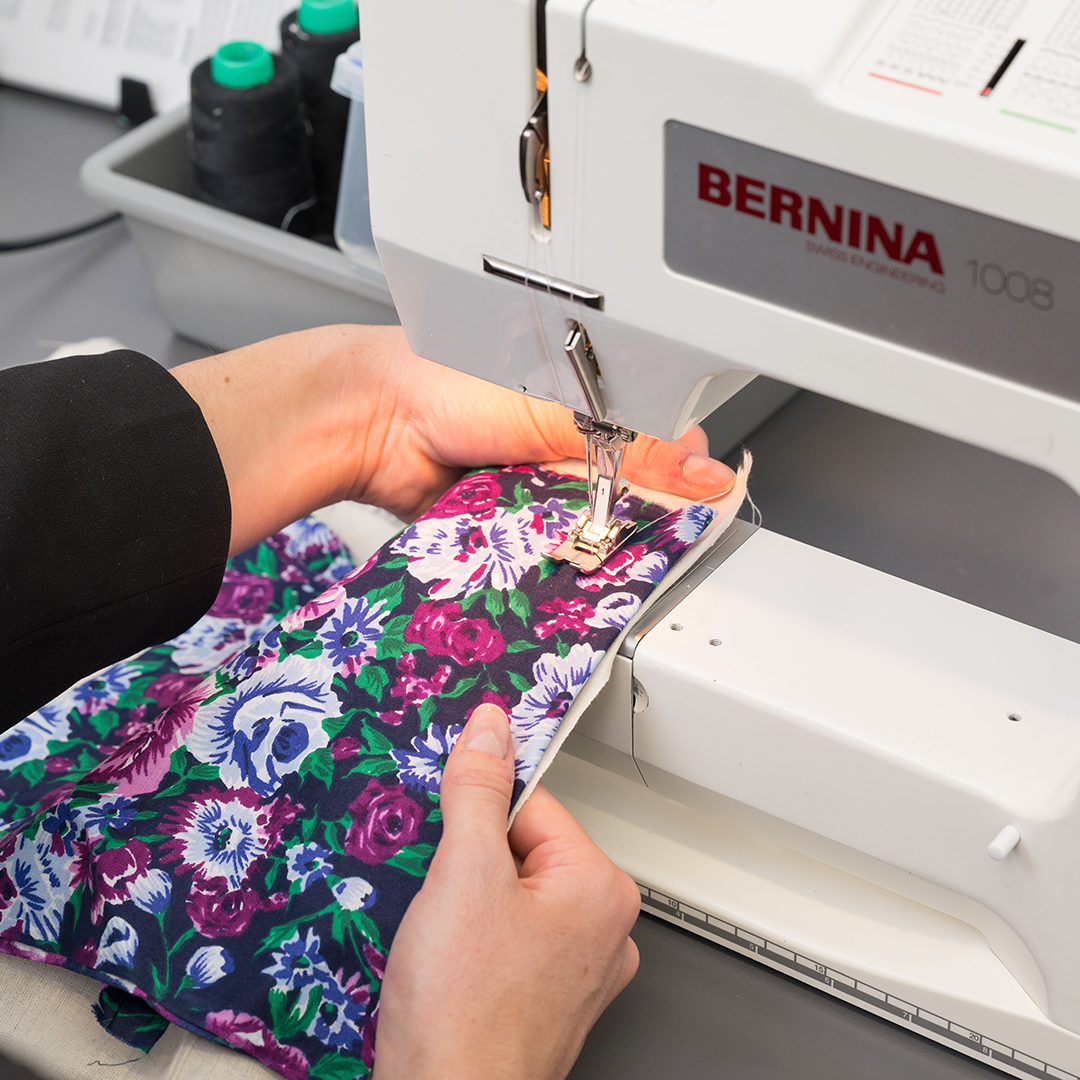
Sewing machines and overlockers
Construct your own projects from fabric using our sewing machines and overlockers.
Available at Aranui, Fendalton, Te Hāpua: Halswell Centre, Matatiki Hornby Centre, New Brighton, and Tūranga

Embroidery machines
Construct your own projects from fabric and embellish with stitched designs using the embroidery machine.
Available at Matatiki Hornby Centre and Tūranga
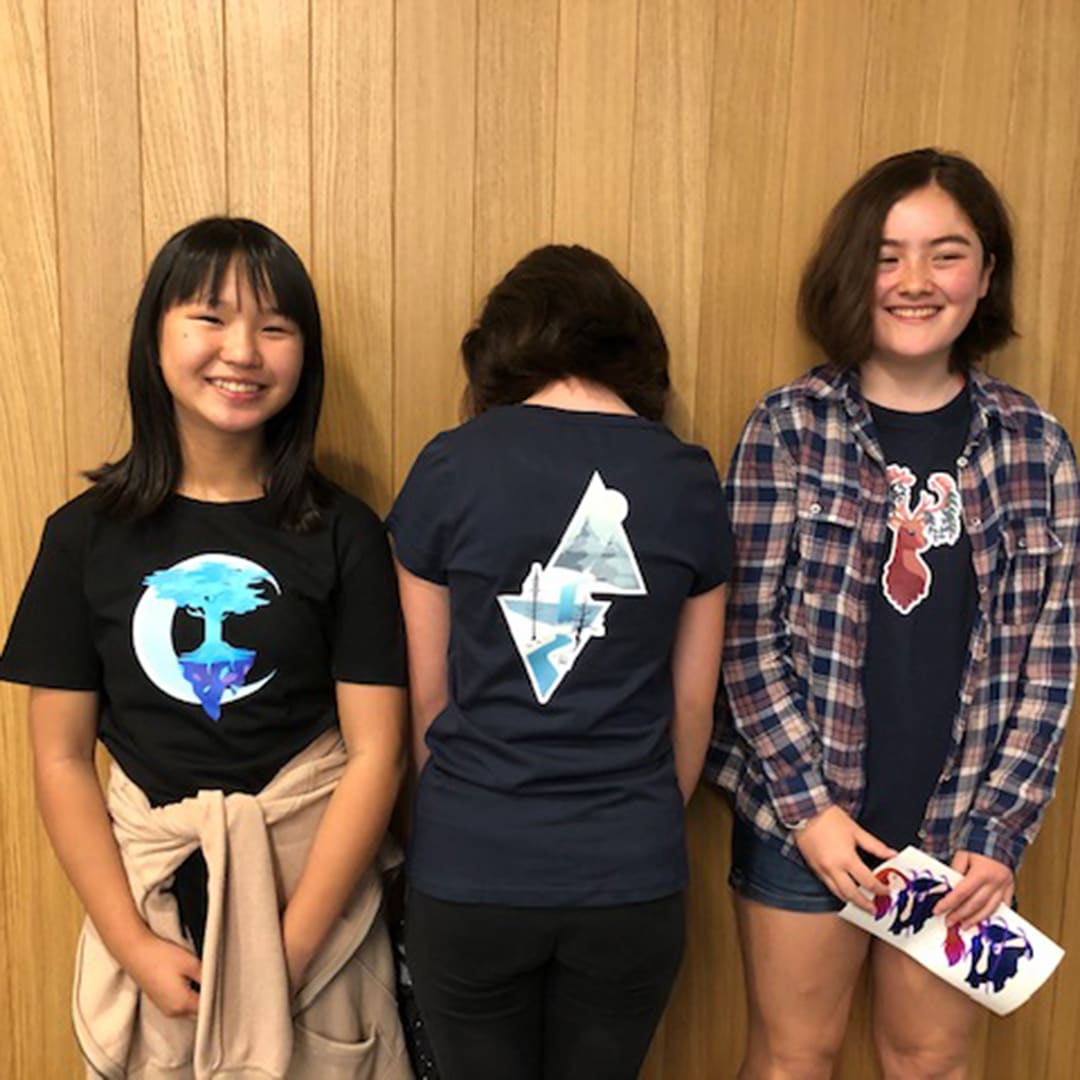
Heat press
A heat press is a large type commercial iron. It has controls for pre-set temperature, time and pressure, making it ideal for the application of heat transfer vinyl to fabric, garments (such as T-shirts) and other media.
Available at Matatiki Hornby Centre, New Brighton, Tūranga and Te Hāpua: Halswell Centre

DTG Direct to garment printing - Currently unavailable
A DTG or Direct to Garment printer allows a digital image to be printed directly onto fabric. It works similarly to an inkjet printer by using ink in cartridges that are especially designed for fabric. The printer prints directly onto the fabric and then using a finisher, heat is applied to the fabric to set the ink. You can create custom t-shirts, wall hangings, tote bags, and more.
Available at Currently unavailable

DTF Direct to film printing
The direct to film printer is a large format inkjet printer that prints on film that can be transferred onto different materials.
Available at Matatiki Hornby Centre
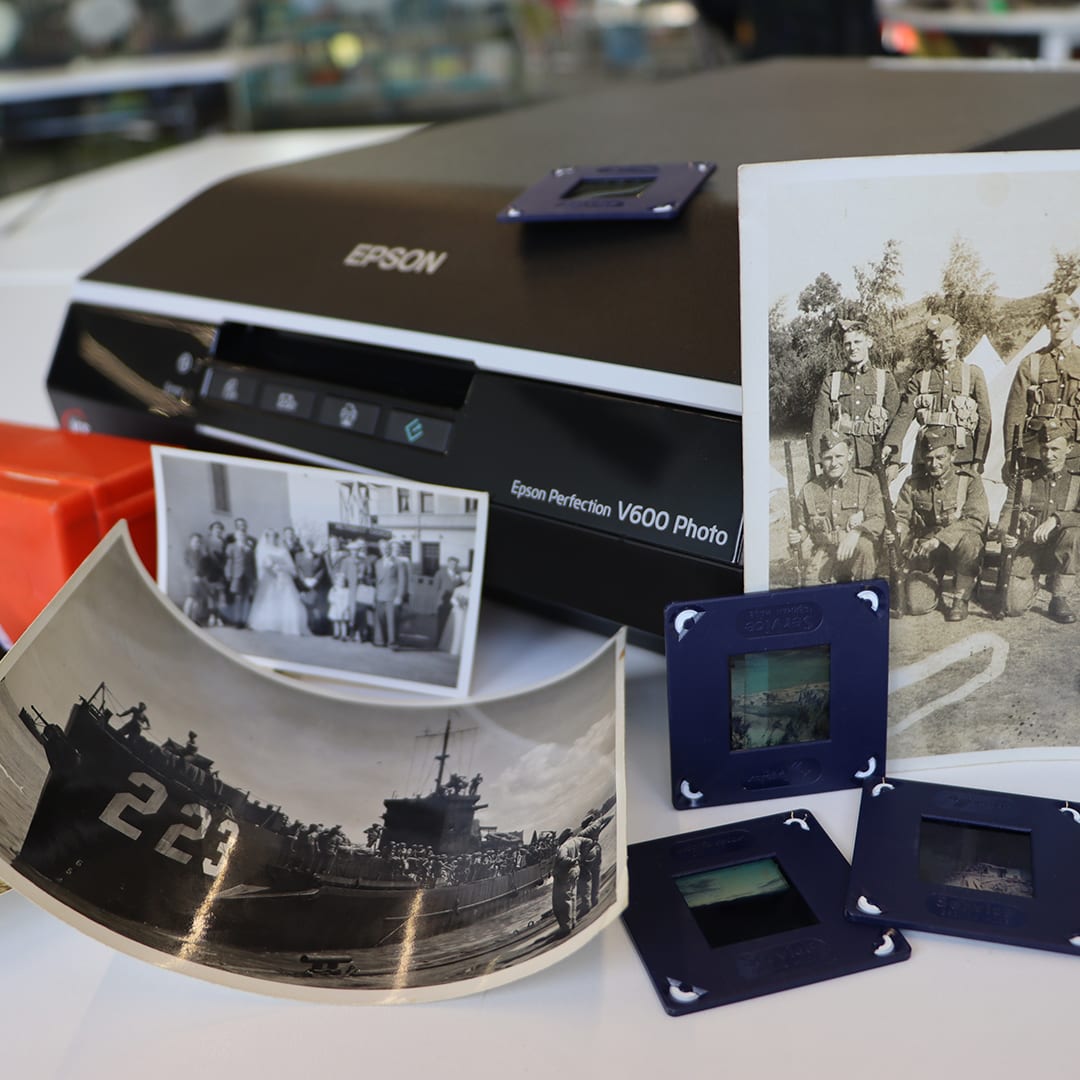
Photo, slide and film scanner
A photo scanner can create high quality digital files from your physical photo, slides films, or other paper documents.
Available at Te Hāpua: Halswell Centre and Tūranga

Media conversion station
The media conversion station can be used to create a high-quality digital copy of a variety of media.
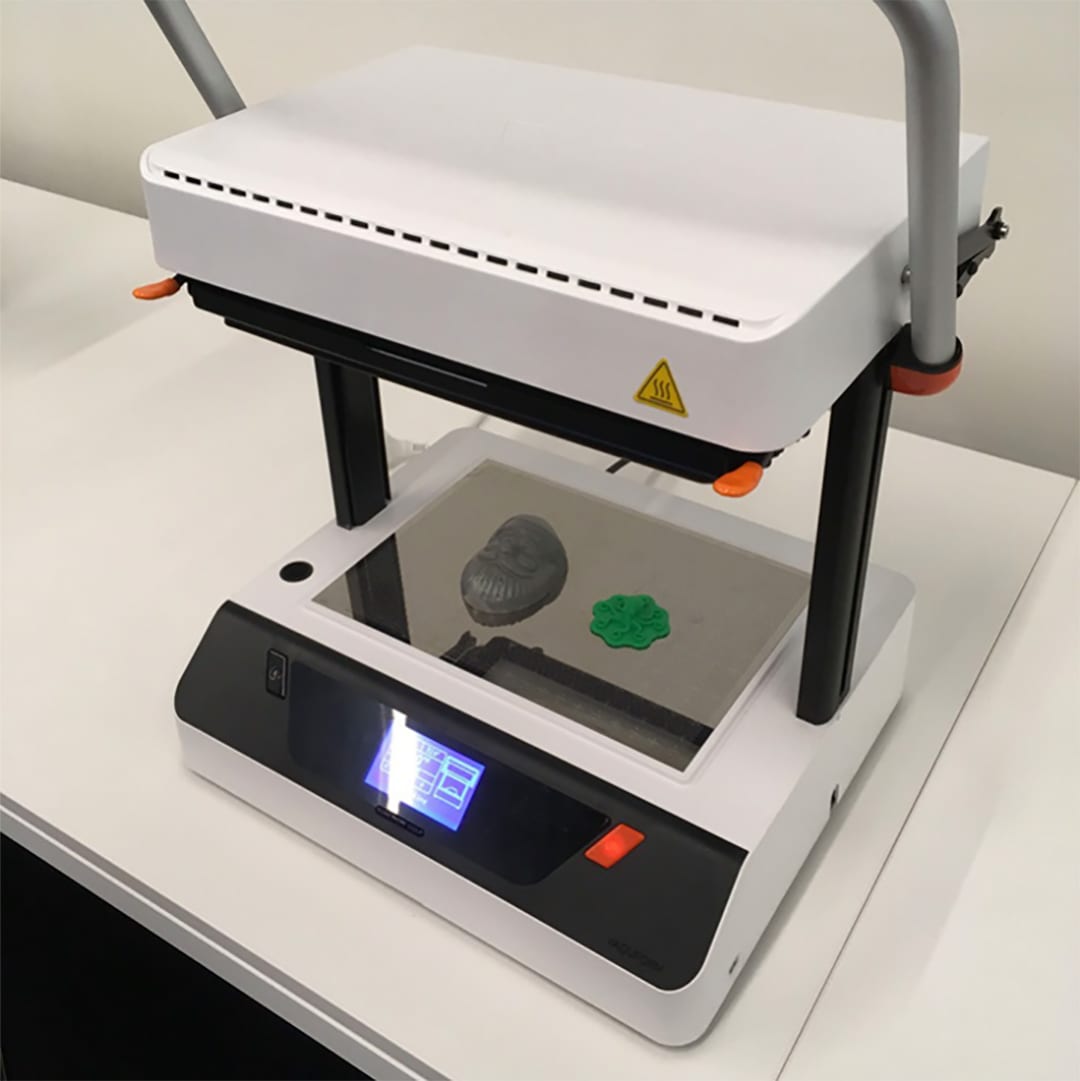
Vacuum former
A vacuum former is a machine for creating simple moulds. It uses heat to stretch a sheet of plastic over an object, then uses a vacuum to suck the sheet closely to the object’s surface. Vacuum formed moulds can be used to make custom chocolates, jellies, wax candles, etc., or the mould itself can be used for bespoke packaging, or as part of something else, such as the chassis for a remote-controlled car or robot.
Available at Matatiki Hornby Centre

Acrylic Bender
Our acrylic bender is a versatile tool designed for shaping and forming thermoplastic sheet materials. It allows creators to produce clean, precise bends in acrylic, making it ideal for signage, display stands, enclosures, craft projects, and custom fabrication.
Available at Tūranga
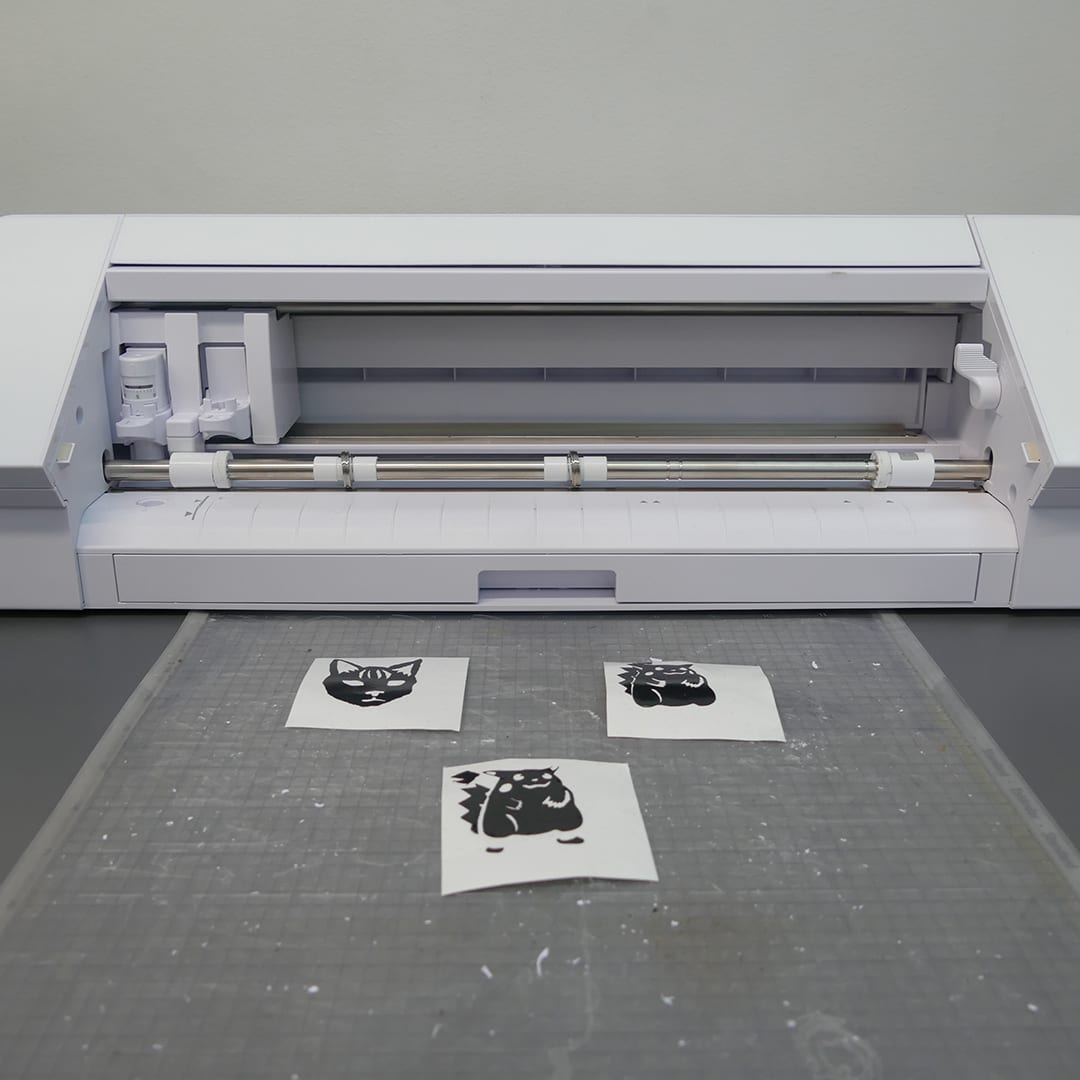
Craft cutter
A Cameo 4 cutter contains a very sharp blade that is controlled by a computer. The blade can move precisely to cut shapes out of materials such as paper, card, adhesive vinyl, heat transfer vinyl, sticker paper, or sublimation paper / invisible ink paper.
Available at Matatiki Hornby Centre, New Brighton, Te Hāpua: Halswell Centre, and Tūranga

AV Studio
A place to shoot and edit video, record and edit sound, and to compose, record, and mix sound recordings.
Available at Matatiki Hornby Centre and Tūranga
AV studio and cosplay resources

Taupuni Oro/Ataata – Audio/Video Studio: Tūranga
Cosplay and creative costuming
Ngā Kōrero Auaha - Creative Stories
Ngā Kōrero Auaha – Creative Stories

John visits the Mobile Library and records an audiobook

Ngā Kōrero Auaha Creative Stories: The King family

Ngā Kōrero Auaha Creative Stories: The Paniora Whānau

Ngā Kōrero Auaha Creative Stories: Anthea - Remix Plastic
John visits the Mobile Library and records an audiobook
Ngā Kōrero Auaha Creative Stories: The King family
Ngā Kōrero Auaha Creative Stories: The Paniora Whānau
Ngā Kōrero Auaha Creative Stories: Anthea - Remix Plastic

Our Library Stories: Share your library story
FAQ
-
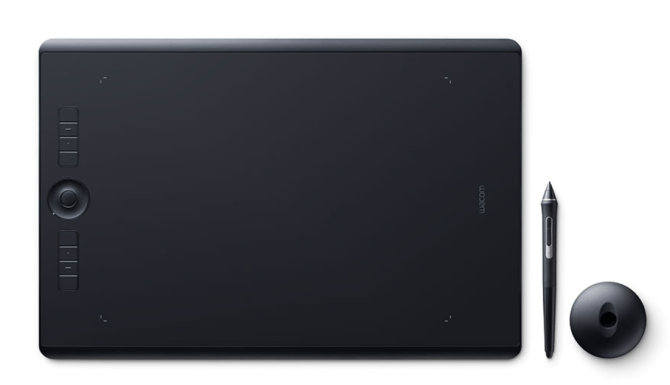
Christchurch City Libraries have two Graphics Tablets available to use at Tūranga.
Talk to our team members if you’d like to borrow one while you are visiting Auahatanga | Creativity, Level 4.
The Graphics Tablet can be borrowed for up to 2 hours for in-library use only.A Graphics Tablet (also known as a pen or drawing tablet) is a device that enables a user to hand-draw images, animations and graphics, with a special pen-like stylus. Our Wacom Intuos Pro Creative Pen tablets can be connected to computers in our Creative Space to use with creative software such as Adobe Photoshop or Affinity Photo.
-
Software available in Computer Lab 1, 4.22 Auahatanga | Creativity, Level 4, Tūranga.
Your library membership gives you access to LinkedIn Learning which has tutorials on some of the following software.
In addition to the software available on all public computers the following software is installed on PCs in Computer Lab 1:
Animation, Effects and 3D Modelling
- Adobe Animate 2D Animation.
- Adobe Character Animator 2D animation with camera-based motion capture and audio. Capable of live animation of characters.
- Adobe After Effects (including Cinema 4D Lite) Layer-based digital effects, compositing and motion graphics.
- Blender 3D modelling, animation and compositing.
- Da Vinci Resolve Fusion (packaged with DaVinci Resolve) Node-based digital effects, compositing and motion graphics.
Audio Recording and Editing
Desktop Publishing and Graphic Design
- Adobe Illustrator Illustration and vector graphics.
- Adobe InDesign Desktop publishing.
- Adobe Lightroom Classic Photo organizer and editor.
- Adobe Photoshop Image composition and editing.
- Affinity Designer
- Affinity Photo
- Affinity Publisher
- Affinity by Canva: requires your own personal Canva login
- Wacom Tablet and Inkspace App – for use with the borrowable Wacom Intuos Pro creative pen tablets
Video Editing
- Adobe Premiere Pro Video editing.
- DaVinci Resolve (the studio version is available in the AV Studio)
Games
- Universe Sandbox: Physics-based space simulator
Other
- Handbrake Audio and video file conversion.
- OBS Studio Screen capture software.
- Musescore – free music composition and notation software
-
Software available on the computers (Macs Studios) in the Audio/Video Studio at Tūranga, Auahatanga - Creative Space at Te Hāpua: Halswell Centre, and Auahatanga - Creative Space at Matatiki Hornby Centre.
Your library membership gives you access to LinkedIn Learning which has tutorials on some of the following software.
Animation, effects and 3D modelling
- Adobe Animate 2D Animation
- Adobe Character Animator 2D animation with camera based motion capture and audio. Capable of live animation of characters.
- Adobe After Effects (including Cinema 4D Lite) Layer-based digital effects, compositing and motion graphics.
- Blender 3D modelling, animation and compositing.
- Da Vinci Resolve Fusion (packaged with DaVinci Resolve) Node-based digital effects, compositing and motion graphics.
Audio Recording and Editing
- Ableton Live 11 Suite
- Adobe Audition
- Audacity
- GarageBand
- Logic Pro X
- Vital Digital synthesizer. Audio Plugins: Vital (also works as standalone application); Native Instruments
Desktop Publishing and Graphic Design
- Adobe Illustrator Illustration and vector graphics
- Adobe InDesign Desktop publishing
- Adobe Lightroom Classic Photo organizer and editor
- Adobe Photoshop Image composition and editing
- Krita Digital painting
Video Editing
- Adobe Premiere Pro Video editing.
- DaVinci Resolve Studio
- Final Cut Pro X Video editing.
- iMovie Basic video editing.
Other
- OBS Studio Screen capture software.
- Handbrake Audio and video file conversion.
-
Public use library computers have the following software installed:
Windows
- Windows Accessibility tools including Magnifier: Microsoft screen magnifying software, and Narrator: Microsoft light-duty screen reader utility.
- Pharos Account Balance: View the balance on Pharos account, required for printing & copying.
- Māori keyboard and dictionary
- Multiple keyboard languages supported
Web Browsers
- Microsoft Edge: Web browser
- Firefox: Web browser
- Google Chrome: Web browser
Office
- Microsoft Office: Suite of programmes including word processor, slideshow, spreadsheet and more. (Word, Excel, PowerPoint and OneNote).
Desktop Publishing
- Scribus: Desktop publishing application that can import Microsoft Publisher files.
Other programs include
- Audacity: Audio editing software.
- Inkscape: Drawing programme
- iTunes: Music library software.
- Media Player: for audio and video files
- Microsoft Clipchamp: free video editing tool, requires a personal Microsoft account login
- Notepad++: Text tool
- Paint.net: Drawing programme
- PDF-Xchange: Open, read, create & edit PDF files
- VLC: Multi-format video player.
Auahatanga computers
Available at:
- Affinity Designer: vector graphics editor Adobe Illustrator alternative
- Affinity Photo: raster graphics editor Adobe Photoshop alternative
- Affinity Publisher: desktop publishing application Adobe InDesign alternative
- Affinity by Canva: requires your own personal Canva login
- Blender: 3D computer graphics
- Minecraft Education Edition
- OBS Studio: Desktop video recording and live streaming software
- PrusaSlicer: 3D printing design
- Silhouette: crafting tool
For Adobe Creative Cloud and more specialised software, see also: